Capture it while it’s fresh.
Speak naturally in English. Select English as your spoken language in the app. You can also use a photo or text. Save and review later.


Food and activity tracking for iPhone. Voice, photo or text. Save and leave.
Look for hello@imoonk.com, including in spam. Open its link and press Confirm my email.
Speak naturally in English. Select English as your spoken language in the app. You can also use a photo or text. Save and review later.
Adjust a portion, ingredient or calorie estimate after saving. “I ate half the sandwich” is a correction, not a new entry.
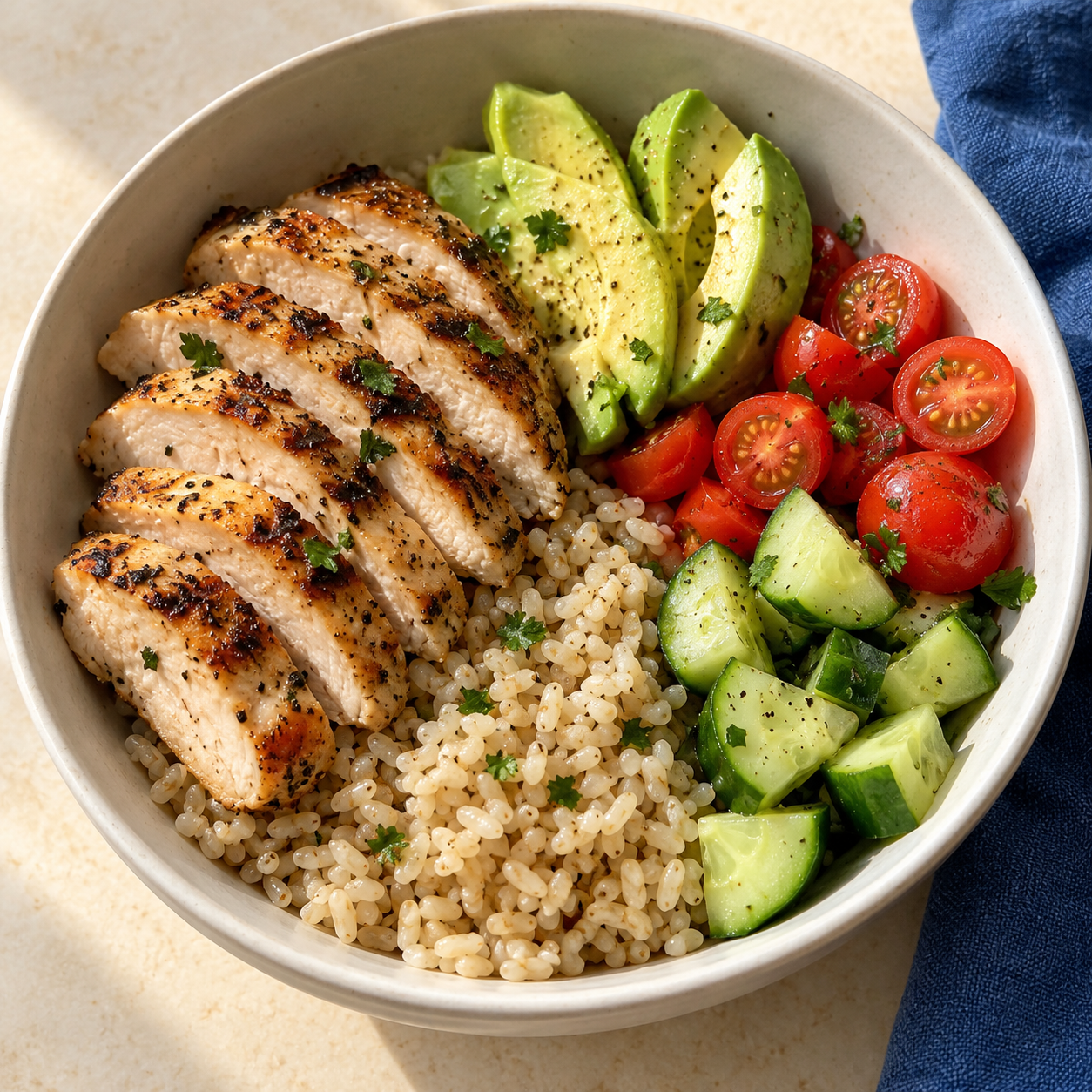
500–750 kcal
1 bowl · portion estimated
| Energy | 200 kcal |
|---|---|
| Protein | 10 g |
| Carbohydrate | 20 g |
| Fat | 8 g |
Serving size: 180 g
360 kcal
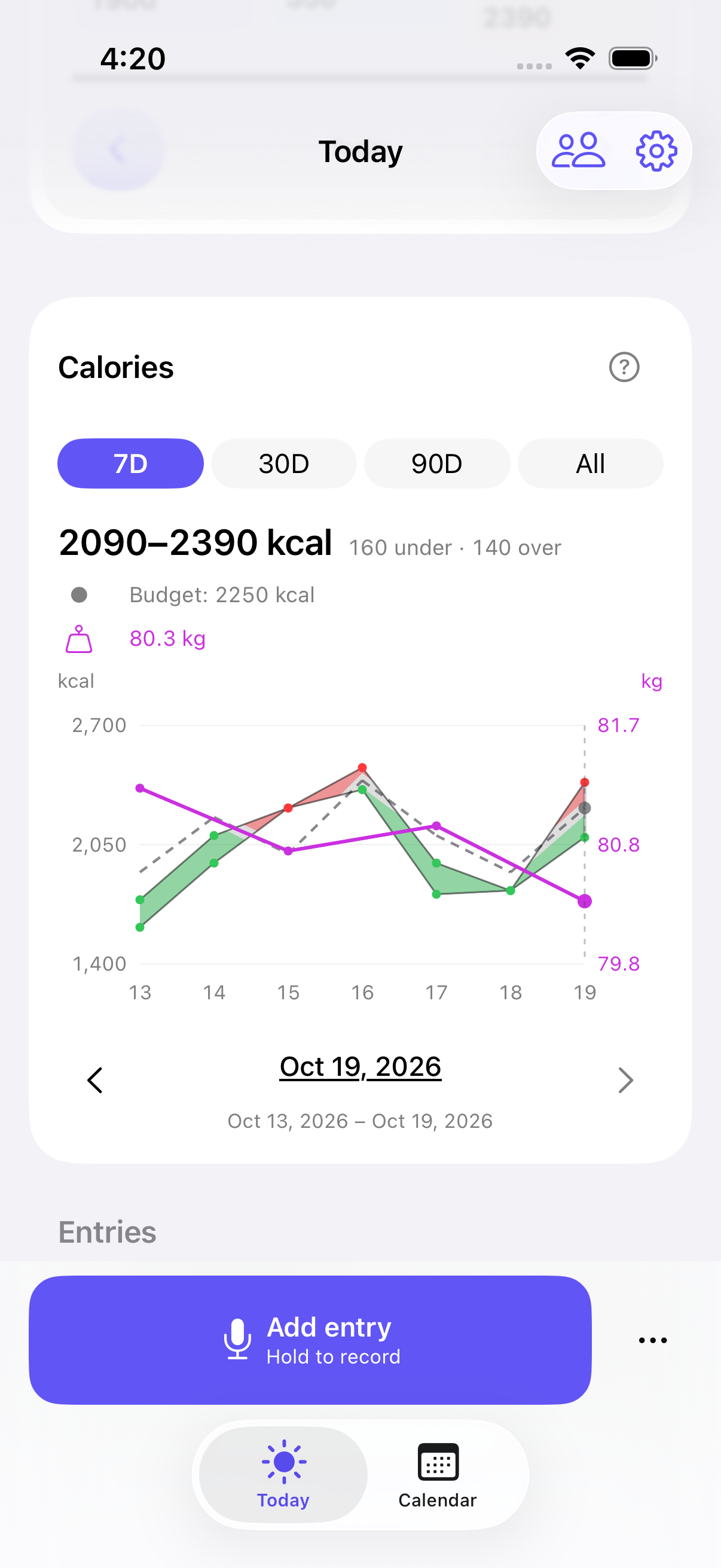
Follow your calorie range, daily budget and weight over days, weeks or months.
Track protein, carbs and fat against daily goals. Choose a macro preset or set your own.
My foods
1 bowl · 500–750 kcal
My foods
Saved foods, recipes and the defaults you set. Copy a previous meal to today instead of starting from scratch.
Optional, read-only Apple Health access for workouts, weight and profile data. You can log food, activity and weight without it.
Speech is transcribed on your device. Entries you submit for interpretation are processed using the OpenAI API. Cloud backups are optional, and you choose what to share.
Read the privacy noticeRequest access and confirm your email. We add testers manually through TestFlight. You’ll need an iPhone with iOS 26 or later.
Nutrition and activity values are estimates. Review and correct them whenever you need.
Imoonk is still being developed. You may find rough edges or things that change. TestFlight lets you send feedback and help make the app better.